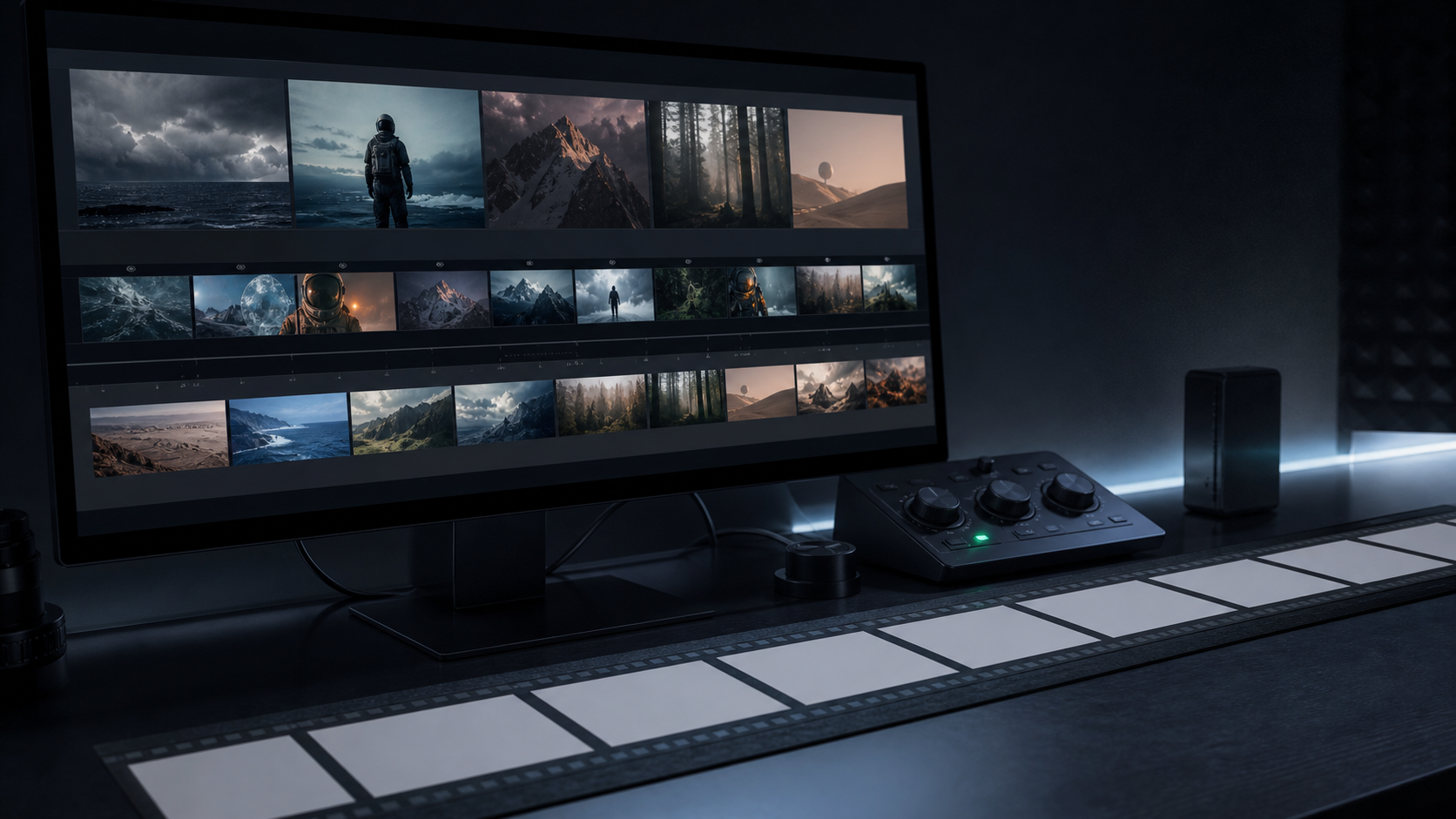
This video to prompt generator workflow shows how RefPrompt turns a clip into reusable creative direction. Instead of describing one still frame, RefPrompt extracts camera movement, subject action, timing, shot order, visual style, and uncertainty notes from the video itself.
RefPrompt turns a video into prompt sections: overall scene summary, camera movement, subject action, timing, transitions, style cues, uncertainty notes, model-specific output, and negative constraints.
Video to promptClip analysisAI videoPrompt generator
What this workflow covers
Follow the reference analysis through reusable image and video prompts, a RefPrompt Video adaptation, a real result, practical limitations, and focused negative constraints.
Reference direction: clip timeline, blank frame strips, creator controls, and a structured video analysis workflow.
Try it here
Try it here: turn a short video into a structured prompt.
Upload a clip below and RefPrompt returns a shot-by-shot read — camera, motion, timing and a copy-ready prompt — right on this page.
The breakdown focuses on what makes video different from image prompting: time, motion, camera behavior, continuity, and shot order.
Timeline
The prompt should preserve what happens first, next, and last instead of flattening the clip into one sentence.
Camera movement
Push-ins, pans, tilts, or handheld motion need explicit language so the next model can reproduce the shot.
Subject motion
Describe the object or actor movement separately from camera movement.
Continuity
Video prompts need stability rules for identity, objects, lighting, and background across frames.
Image Prompt
Image Prompt for video-to-prompt positioning
The still prompt creates a visual metaphor for the feature.
Dark creator desk with a monitor showing abstract video frame sequences, blank timeline strips, compact control surface, cool monitor glow, professional AI video analysis workflow, no readable text, no logos.
Video Prompt
Video Prompt
The video prompt describes the feature output.
Analyze a short reference clip and produce a structured AI video prompt. Include overall summary, shot order, camera movement, subject action, timing, transitions, lighting, style, continuity rules, and a focused negative prompt for likely video artifacts.
Midjourney Version
Midjourney Version
Midjourney can create a still visual for the workflow.
dark creator desk, video frame sequence on monitor, blank timeline strips, compact control surface, cool monitor glow, professional AI video analysis workflow, no text --ar 16:9 --style raw --v 6
RefPrompt Video Version
RefPrompt Video Version
Use this as the target output structure for uploaded clips.
Turn this video into a prompt with sections: scene summary, timestamped shot breakdown, camera movement, subject motion, environment, lighting, transitions, style cues, continuity rules, uncertainty notes, and negative prompt.
Result & Limits
Video to prompt generator result for a multi-shot clip
The reference visual represents a real video workflow: multiple frames, changing scenes, a timeline strip, and a control surface. A video prompt must preserve sequence logic, not just describe one attractive frame.
Generated result: a dark creator desk with video frame strips, abstract timeline panels, and prompt-analysis workflow cues.
Prompt used in this case
The prompt asks RefPrompt to extract overall summary, shot order, camera movement, subject motion, atmosphere, timing, transitions, and negative constraints from the uploaded clip.
Result read
The generated workflow visual communicates clip-to-prompt extraction without fake UI labels. It is useful for explaining how a video becomes a structured prompt that can be reused in Kling, Runway, Veo, Pika, or other video models.
What worked
The visual separates timeline, frame sequence, and analysis controls without relying on readable UI text.
Multiple frames make it clear that the prompt comes from motion, not just one image.
Blank frame strips keep the asset brand-safe and reusable across pages.
Errors and limitations
Single-frame thinking
Video prompts fail when they only describe the prettiest frame. Include timing, camera movement, and transitions.
Overlong prompts
Clip analysis can get dense. Keep sections separate so creators can copy the part they need.
Model mismatch
Different video models need different prompt lengths and continuity language.
Negative Prompt
Negative Prompt
Protect generated videos from common clip-recreation errors.
A video to prompt generator analyzes a clip and turns its camera movement, motion, timing, visual style, and continuity into structured prompt language.
How is video-to-prompt different from image-to-prompt?
Image-to-prompt describes one frame. Video-to-prompt also describes what changes over time: camera movement, subject action, shot order, and transitions.
Can RefPrompt generate prompts from uploaded videos?
Yes. RefPrompt is built to turn short video references into reusable prompts for AI video and image generation workflows.