This shot-by-shot prompt generator workflow is for creators who need more than a summary. RefPrompt can turn a video into ordered prompt sections that describe each shot, transition, camera move, subject action, and timing cue.
RefPrompt can structure a video prompt as ordered shots, separating camera movement, subject action, timing, transitions, and continuity notes for each beat.
Shot breakdownStoryboardVideo promptAI video
What this workflow covers
Follow the reference analysis through reusable image and video prompts, a Shot breakdown adaptation, a real result, practical limitations, and focused negative constraints.
Reference direction: physical storyboard cards, ordered visual beats, production planning, and no readable labels.
Use your own reference
Turn your own visual into a structured prompt.
Start with an image in the free web tool, or use the Chrome extension on an image or video already open in your browser.
The breakdown focuses on sequence: each shot has its own subject, camera, action, light, and transition logic.
Shot order
The output should preserve the order of visual beats from the original clip.
Camera per shot
Each shot can have a different lens, angle, or movement.
Transitions
Cuts, fades, wipes, or match cuts should be named when visible.
Copy-ready chunks
Creators need each shot prompt separated so they can reuse or trim it.
Image Prompt
Image Prompt for shot breakdown visual
The still visual communicates ordered video beats.
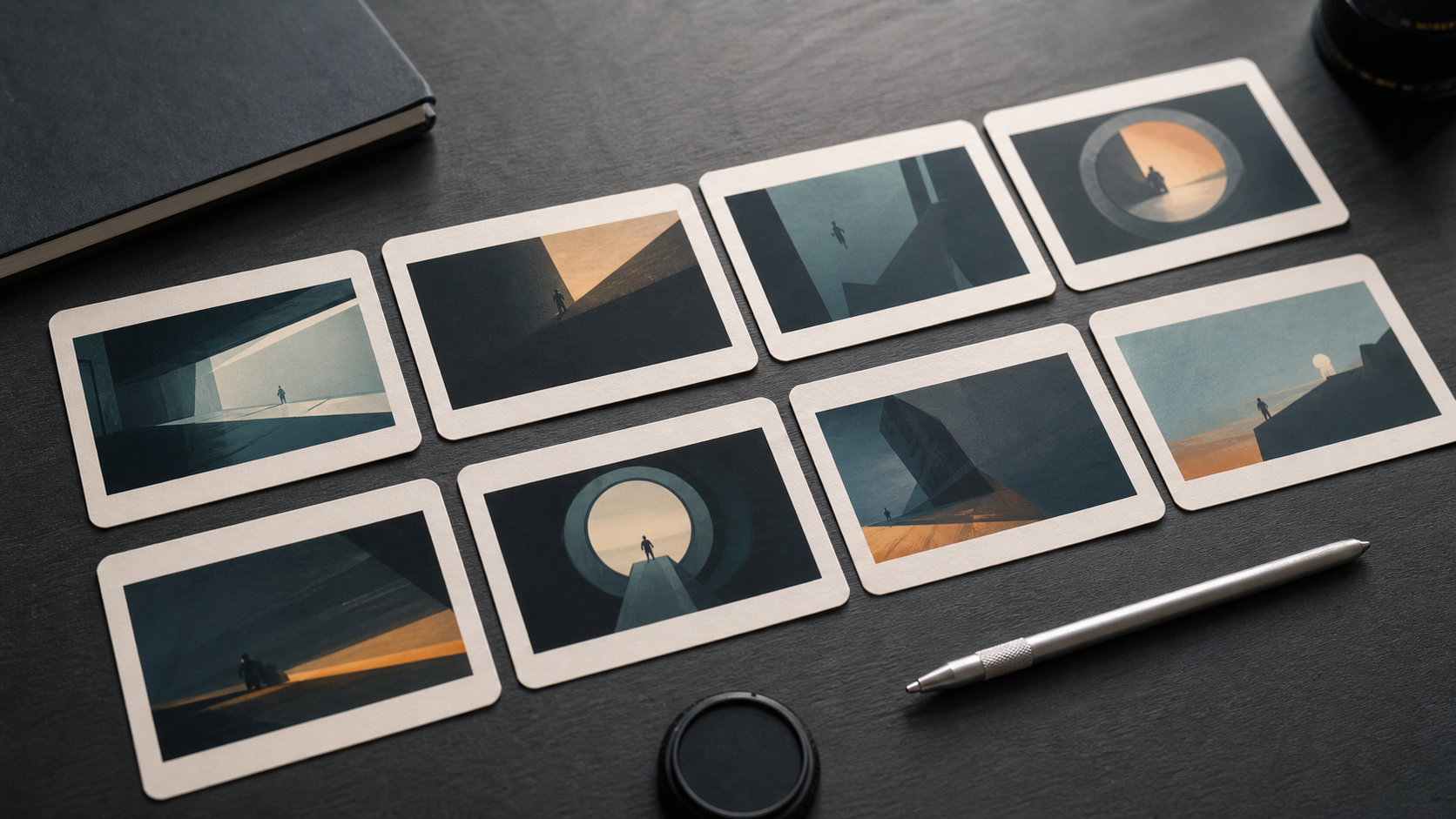
Physical storyboard cards arranged in sequence on a graphite desk, abstract cinematic frames, production planning tools, soft side light, no readable text, no logos.
Video Prompt
Video Prompt
The prompt asks for ordered shot extraction.
Analyze this video shot by shot. For each shot, return duration, camera angle, camera movement, subject action, lighting, scene mood, transition into the next shot, and continuity constraints.
Midjourney Version
Midjourney Version
Midjourney can make the storyboard metaphor.
physical storyboard cards, ordered cinematic frames, graphite desk, production planning still life, soft side light, no text --ar 16:9 --style raw --v 6
Shot breakdown Version
Shot-by-shot Version
This is the target output structure.
Break the uploaded video into ordered shots. For each shot include timestamp range, scene description, camera movement, subject motion, lighting, transition, and negative constraints.
Result & Limits
Shot-by-shot prompt result for a storyboard-style breakdown
The visual shows a sequence of distinct frames instead of one hero image. That matches the use case: converting a clip into ordered shots that can be copied, edited, and reused.
Generated result: ordered storyboard cards with abstract cinematic frames, production tools, and no readable text.
Prompt used in this case
The prompt asks RefPrompt to split the video into shot one, shot two, shot three, and so on, with camera, action, lighting, transition, and duration notes for each.
Result read
The generated result is a clean metaphor for a video breakdown. The main risk is overcomplication, so each shot prompt should stay compact and copy-ready.
What worked
The card sequence makes shot order visually clear.
Different frame compositions imply multiple camera setups.
No labels keeps the asset clean for SEO pages.
Errors and limitations
Too much detail
Shot-by-shot output can become hard to use. Keep each shot concise.
Transition ambiguity
If a cut or dissolve is unclear, the prompt should mark uncertainty.
Model limits
Some video tools cannot execute long multi-shot prompts; split outputs may be needed.