This video storyboard prompt generator workflow helps creators turn a clip into a sequence of visual beats. RefPrompt can extract the order of scenes, framing changes, camera notes, motion cues, and constraints needed to recreate or adapt the clip.
RefPrompt turns a video into storyboard-ready prompt beats with scene order, frame description, camera direction, timing, transition, continuity, and negative constraints.
StoryboardVideo promptsScene beatsAI video
What this workflow covers
Follow the reference analysis through reusable image and video prompts, a Storyboard prompt adaptation, a real result, practical limitations, and focused negative constraints.
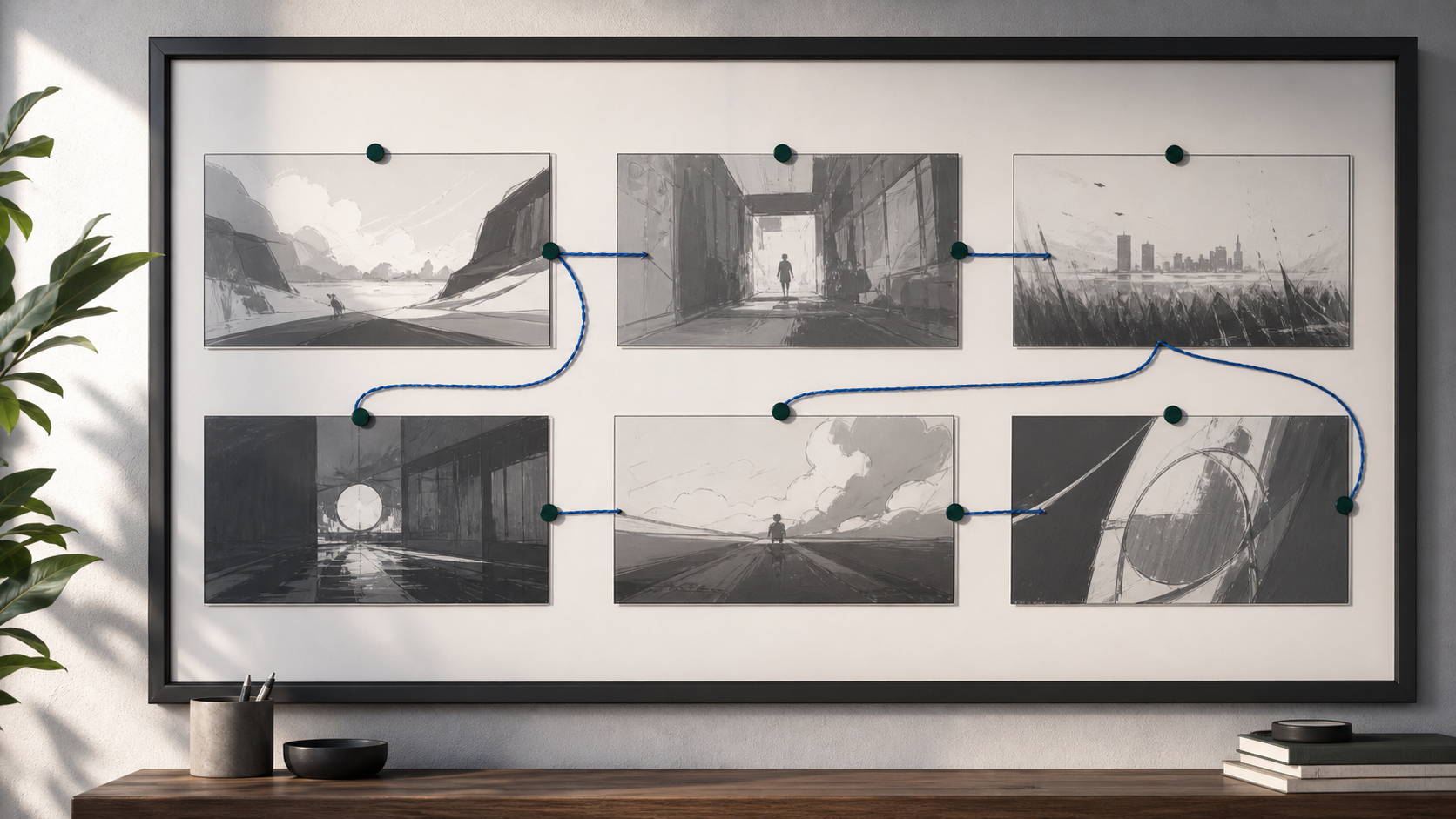
Reference direction: storyboard panels, motion path, ordered beats, and production-board planning without readable labels.
Use your own reference
Turn your own visual into a structured prompt.
Start with an image in the free web tool, or use the Chrome extension on an image or video already open in your browser.
The breakdown turns video analysis into a planning artifact: ordered panels, transitions, and reusable prompt sections.
Visual beats
Each panel should describe a meaningful change in scene, action, or camera.
Connections
Transitions explain how one beat flows into the next.
Continuity
Recurring subjects, products, environments, and lighting need constraints.
Prompt reuse
Storyboard beats can become separate image prompts, video prompts, or edit notes.
Image Prompt
Image Prompt for storyboard visual
The still prompt creates a production-board metaphor.
Wall-mounted production board with six storyboard panels, abstract cinematic sketches, muted cobalt thread path, green magnets, soft daylight, no readable text, no labels, no logos.
Video Prompt
Video Prompt
The video prompt asks for storyboard extraction.
Analyze this video as a storyboard. Return ordered visual beats with frame description, camera direction, subject action, transition, duration, style cues, continuity rules, and negative constraints for each beat.
Midjourney Version
Midjourney Version
Midjourney creates the storyboard metaphor.
wall-mounted production board, six storyboard panels, connected thread path, green magnets, cinematic planning board, soft daylight, no text --ar 16:9 --style raw --v 6
Storyboard prompt Version
Storyboard Version
This is the target output structure.
Turn the uploaded video into storyboard prompts. For each beat include scene framing, camera movement, subject action, transition, timing, visual style, continuity constraints, and negative prompt.
Result & Limits
Video storyboard prompt result for ordered visual beats
The reference shows a production board with several visual beats connected by a path. That mirrors how a video can become a storyboard prompt: ordered scenes, transitions, and camera direction.
Generated result: a clean production board with storyboard panels, thread path, magnets, and ordered visual-flow cues.
Prompt used in this case
The prompt asks for a storyboard-ready breakdown with scene panels, camera notes, timing, continuity constraints, and negative prompts for each beat.
Result read
The generated result works as a durable visual for storyboard prompting because it avoids fake labels while still showing sequence and progression.
What worked
The connected panels communicate progression through time.
The physical board avoids fake interface text.
Storyboard structure makes long video prompts easier to split.
Errors and limitations
Storyboard granularity
Too many panels can make the prompt hard to use. Focus on major beats.
Missing transitions
A storyboard prompt should describe how one beat connects to the next.
Continuity drift
Characters, products, lighting, and setting must be protected across panels.
Negative Prompt
Negative Prompt
Protect storyboard-to-video generation from drift.