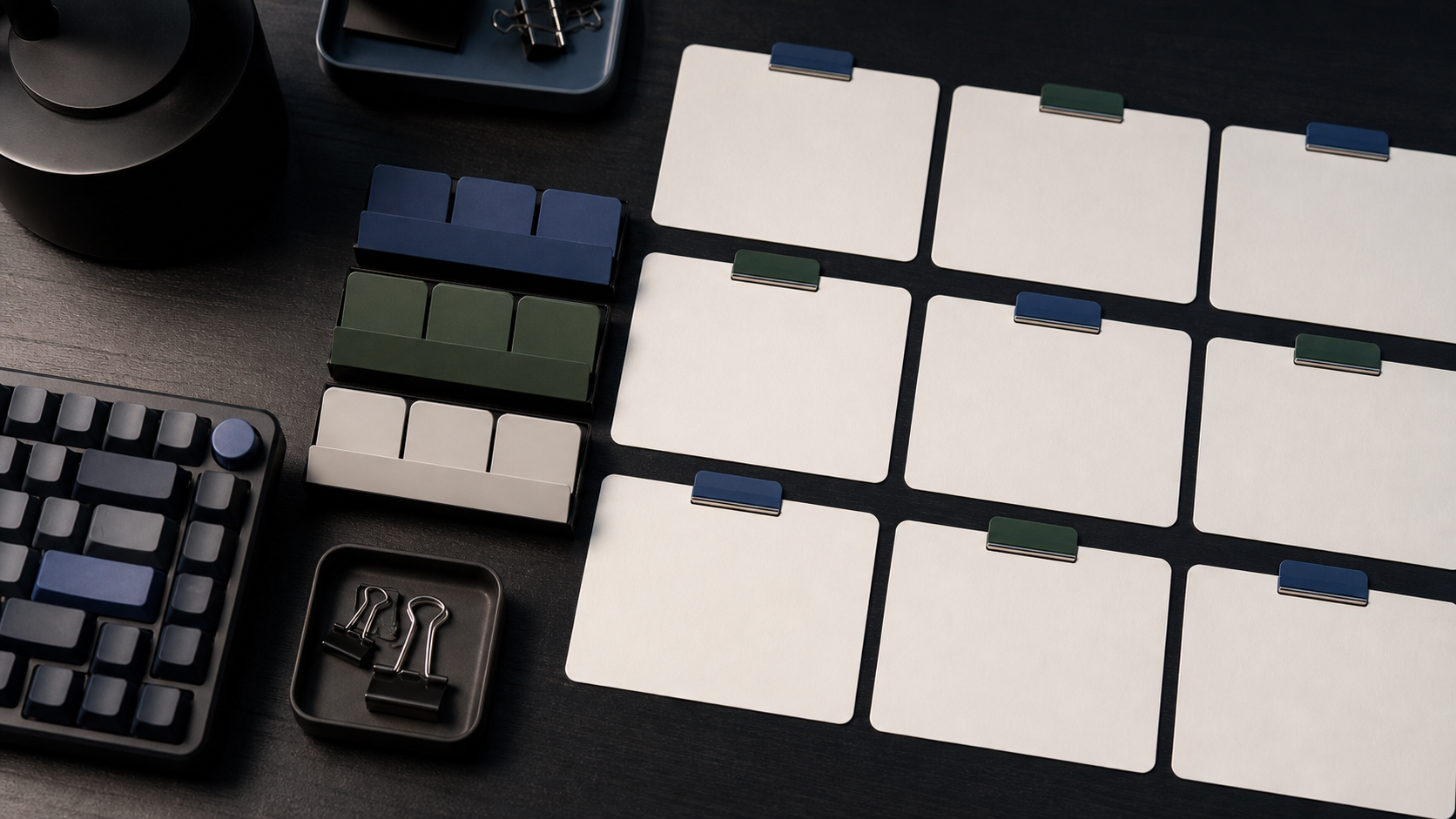
This prompt template generator workflow shows how RefPrompt turns a visual reference into a reusable structure. Instead of rewriting from scratch, creators can keep fields for subject, style, lighting, camera, motion, constraints, and negative prompts.
RefPrompt turns references into reusable templates by separating fields for subject, composition, style, lighting, camera, motion, output tool, and negative constraints.
Follow the reference analysis through reusable image and video prompts, a Prompt template adaptation, a real result, practical limitations, and focused negative constraints.
Reference direction: blank cards, organized modules, muted tabs, and a structured prompt-building workspace.
Use your own reference
Turn your own visual into a structured prompt.
Start with an image in the free web tool, or use the Chrome extension on an image or video already open in your browser.
The breakdown maps a visual workflow to prompt-template logic: repeated fields, blank structure, clean organization, and reusable modules.
Template fields
Cards represent prompt sections such as subject, style, lighting, camera, motion, and constraints.
Workflow clarity
A grid layout communicates repeatability without relying on generated text.
Tool handoff
Templates make it easier to adapt one reference for different models.
Negative slots
Every template should reserve room for artifacts and constraints.
Image Prompt
Image Prompt for a template visual
The visual prompt avoids readable text while showing structure.
Dark editorial desk with blank prompt cards arranged in a grid, muted cobalt and deep green tabs, compact mechanical keyboard partly out of focus, matte paper, metal clips, organized creator workflow, no readable text, no logos.
Video Prompt
Video Prompt
The video version animates the template workflow subtly.
Create a 5-second workflow video. Camera slowly drifts over blank prompt cards arranged in a grid while soft desk light moves across paper and metal clips. Keep cards blank, organized, and stable. No readable text, no hands, no UI overlays.
Midjourney Version
Midjourney Version
Midjourney gets a concise visual metaphor.
dark desk, blank prompt cards in grid, muted cobalt and green tabs, compact keyboard, metal clips, organized AI workflow, premium productivity photography, no text --ar 16:9 --style raw --v 6
Prompt template Version
Template Version
This version names reusable prompt fields.
Build a reusable prompt template with fields for subject, reference cues, composition, lighting, camera, motion, model, constraints, and negative prompt. Keep each field separate so the same reference can be adapted for image and video tools.
Result & Limits
Prompt template generator result for a modular workspace
The reference shows a structured workflow without readable text: blank cards, modules, clips, keyboard, and a repeatable layout. That makes it a useful visual metaphor for reusable prompt templates.
Generated result: a dark workspace with blank prompt cards, modular tabs, keyboard, and no readable template text.
Prompt used in this case
The prompt asks for an organized template workspace with blank cards, dark desk, muted tabs, and no readable labels.
Result read
The generated result communicates structure without relying on fake UI text. The main risk is generated labels, so the prompt forbids readable text and keeps cards blank.
What worked
Blank cards avoid fake text while still communicating structure.
The modular grid maps well to reusable prompt fields.
Muted tabs imply categories without needing labels.
Errors and limitations
Fake labels
Generated template visuals often invent text. Ask for blank cards and no letters.
Too much UI
A real interface screenshot can become dated or unreadable. A physical workspace is more durable.
Clutter
Too many stationery objects weaken the template metaphor.